Note: You need to create an account before making a purchase.
Visit our website:
https://alouraltd.com
Click on the account icon as shown in the image, then enter your email and personal details to register
an account. After successful registration, you will be redirected to the homepage.
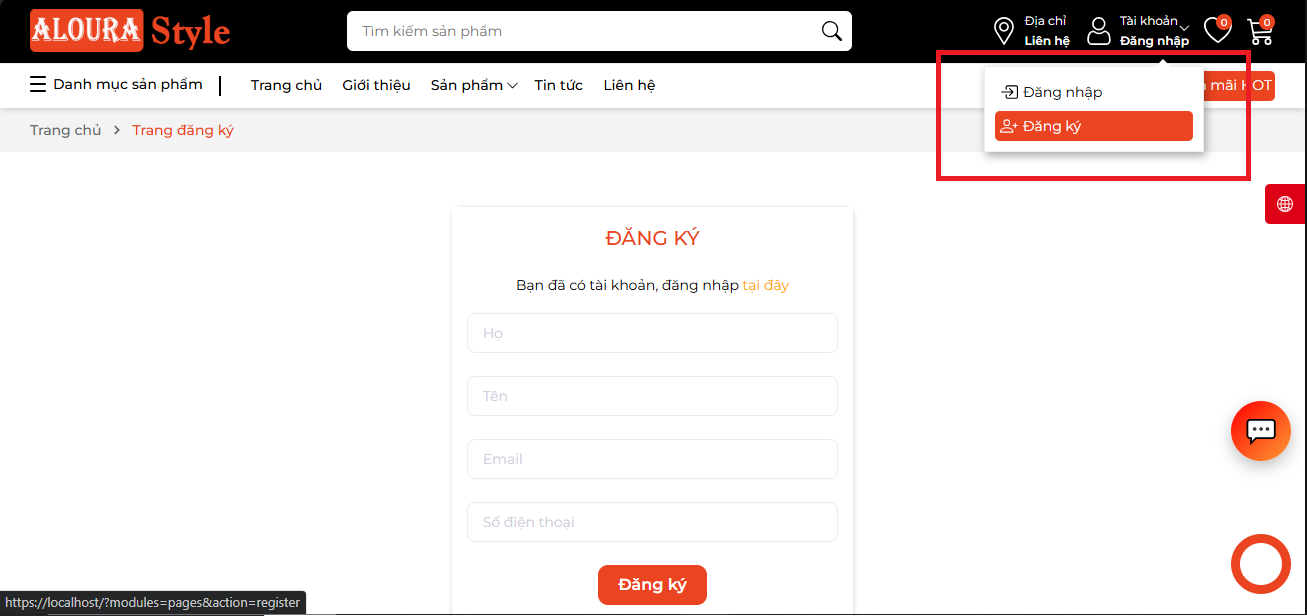
Check your email and click “Create Password” to set a new password for your account.
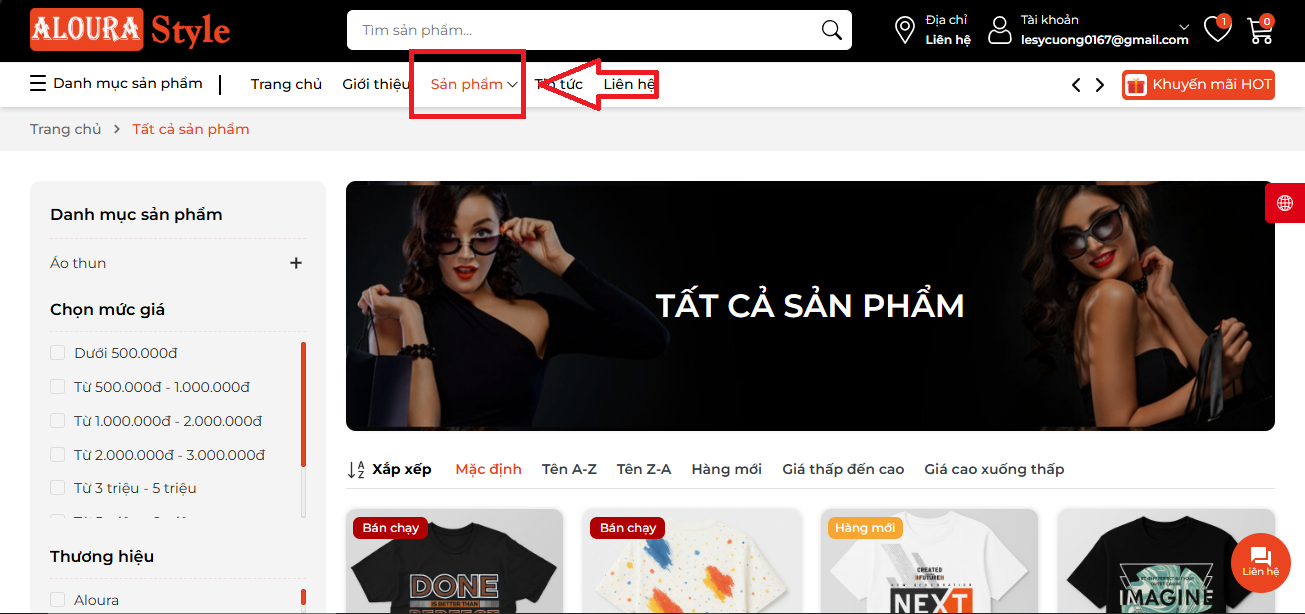
Access the store through the homepage or the menu:
https://alouraltd.com/pages/products/all
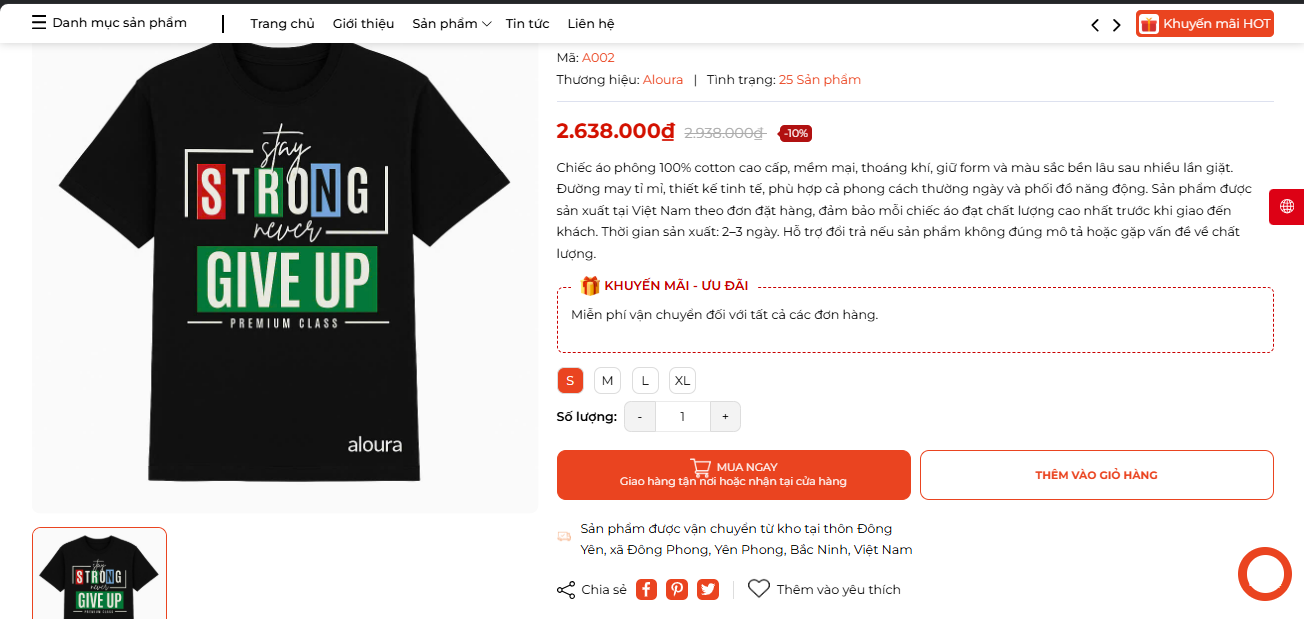
4. Click "Buy Now" on the product detail page:
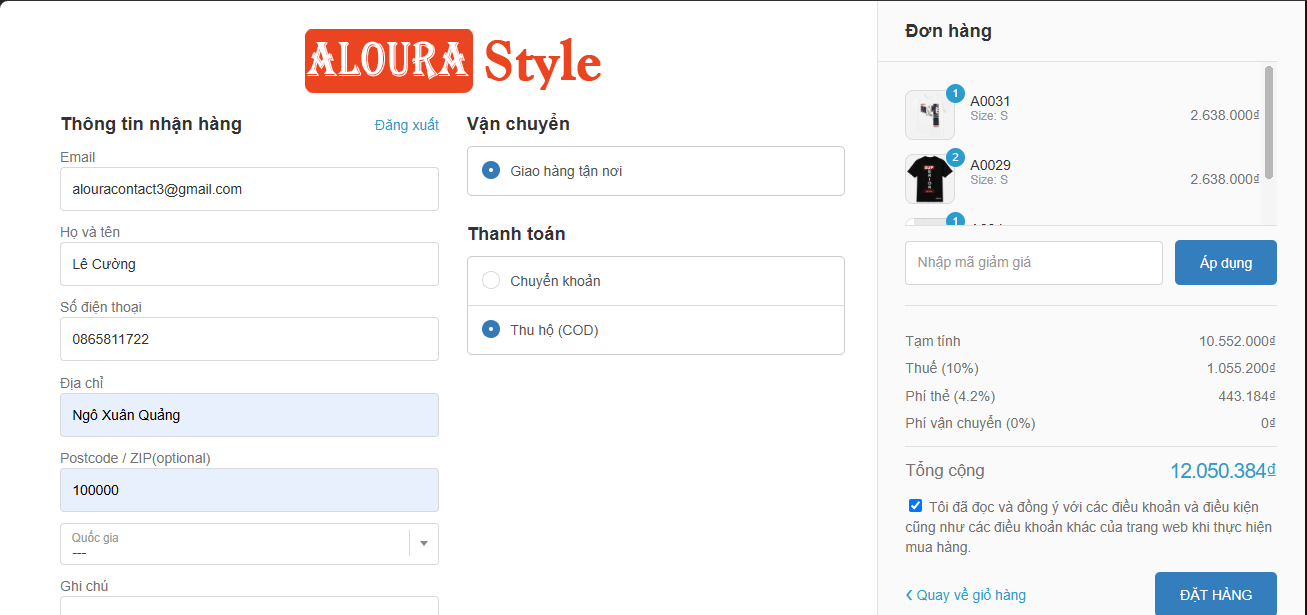
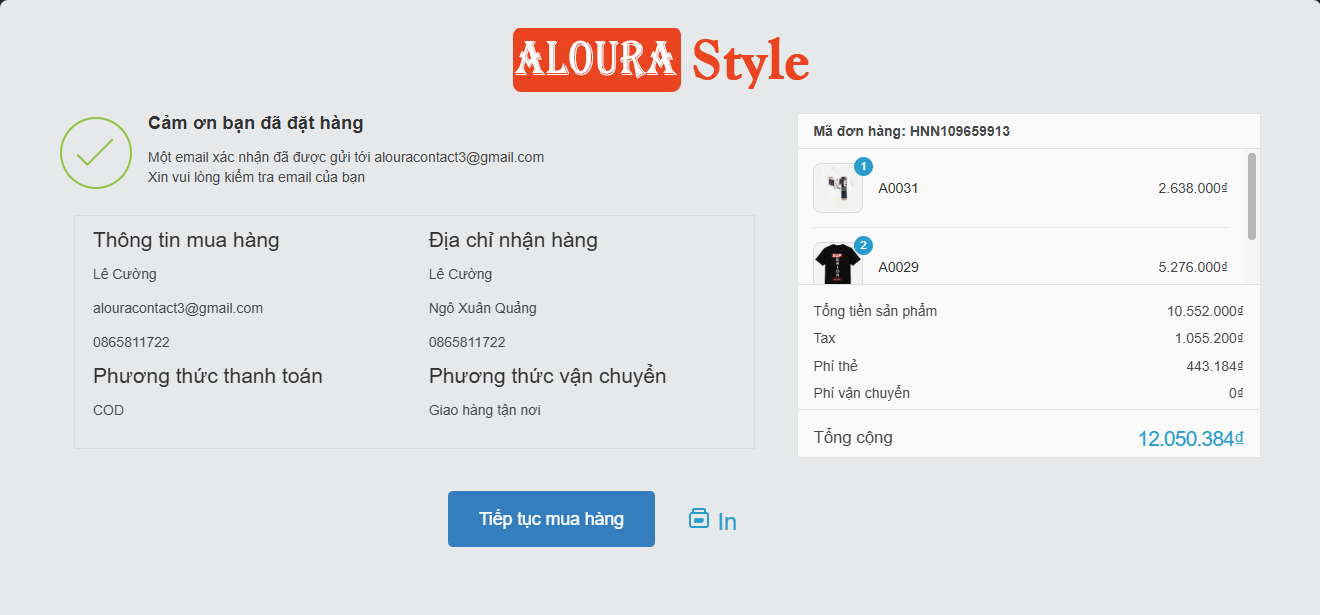
5. When redirected to the Checkout page, fill in your information and place the order:
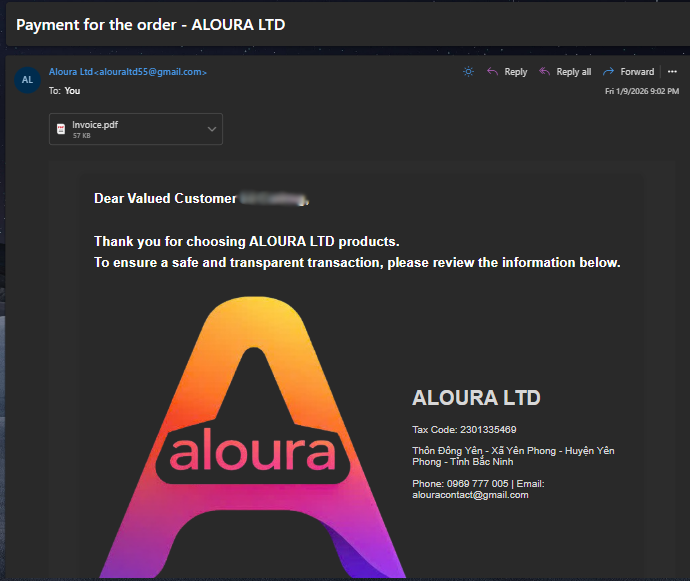
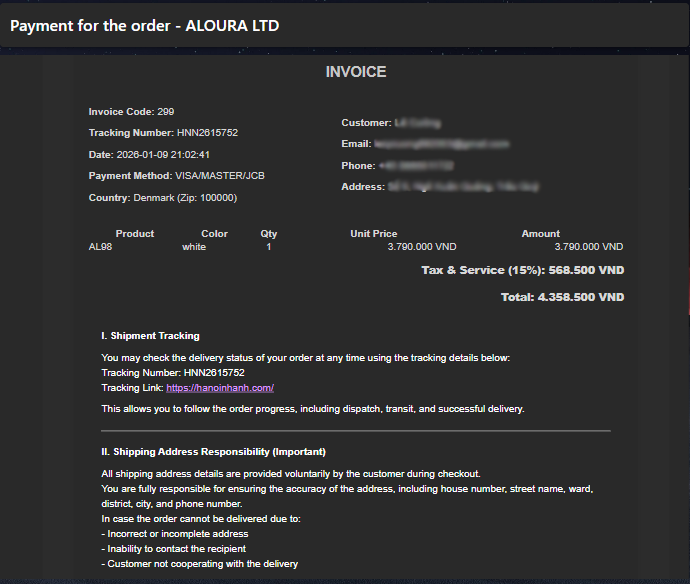
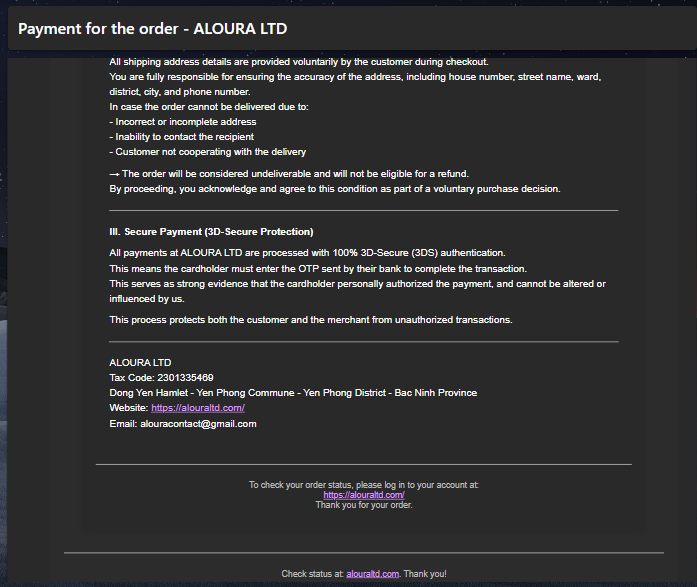
6. After clicking Place Order, you will receive an Order Confirmation email:
7. Next, please enter your card details to proceed with the payment:
8. Upon successful payment, the system will send a Payment Confirmation email to you:
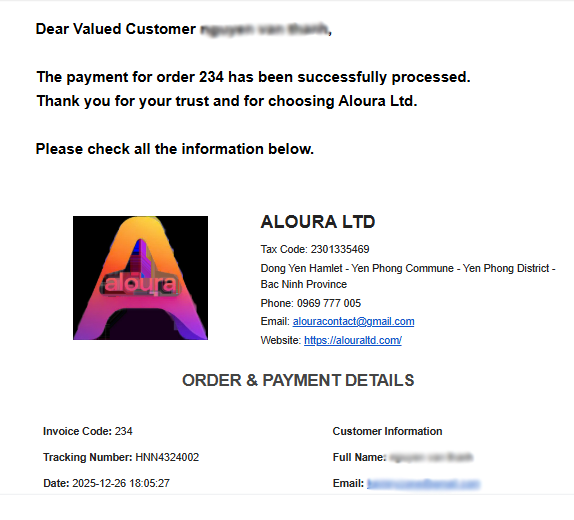
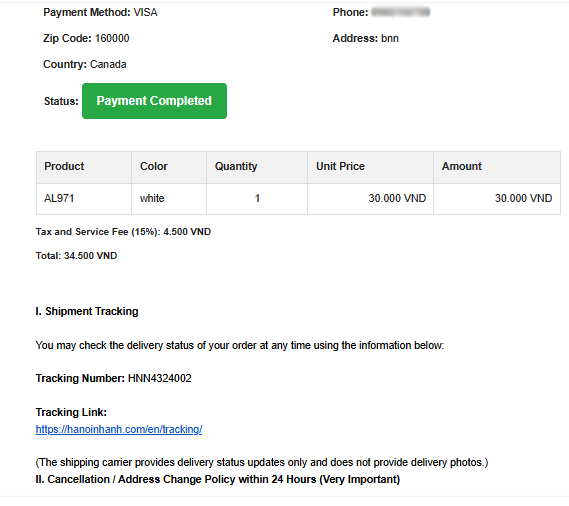
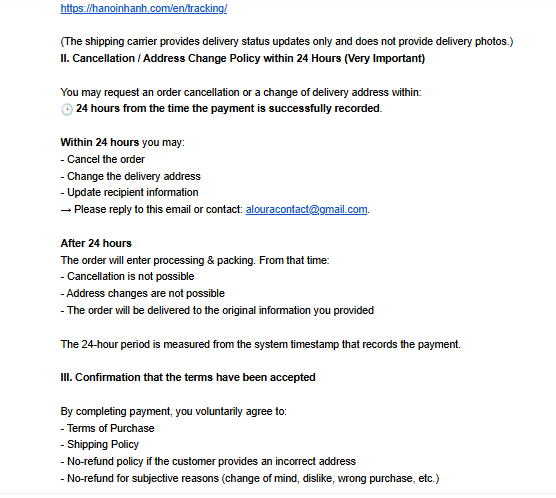
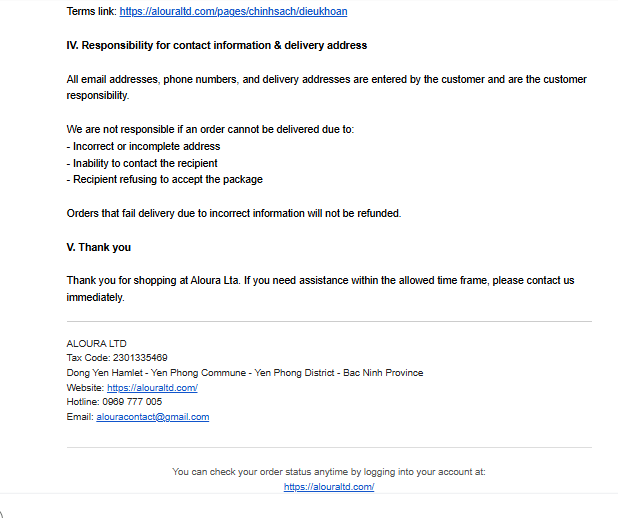
9. After completing the order, you can view your order information in the Account section:
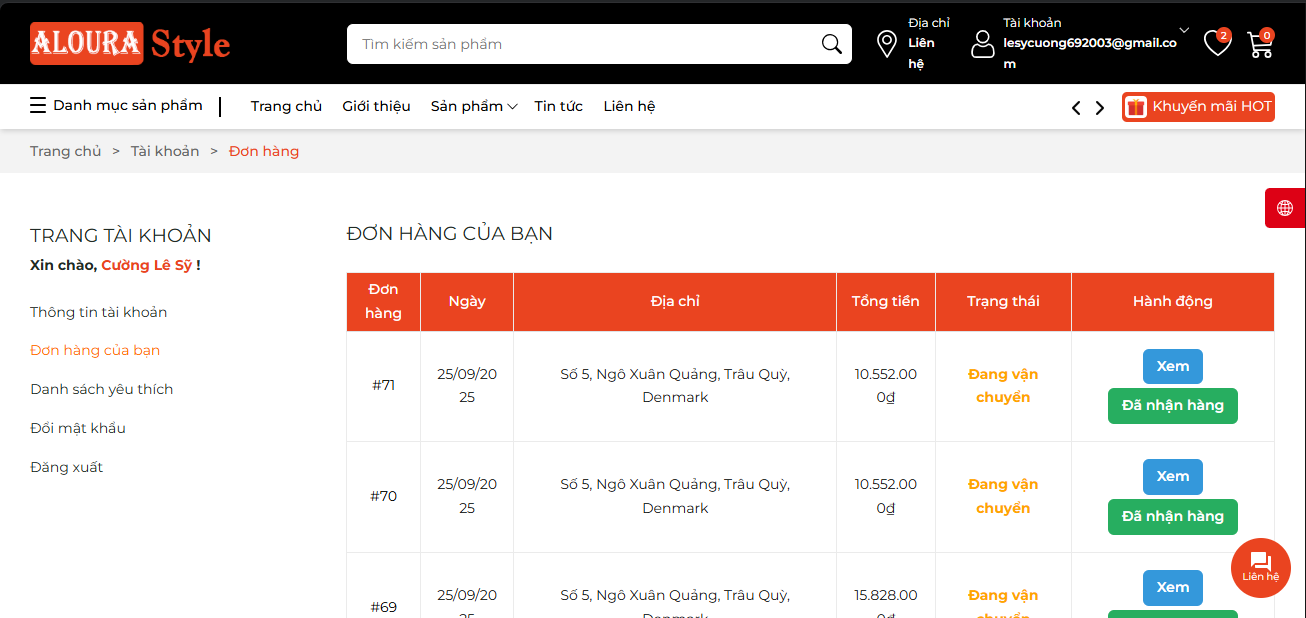
When your order is shipped, we will send you a notification via email.
Log into your account on the website https://alouraltd.com/, click on the order to view your Tracking Number.
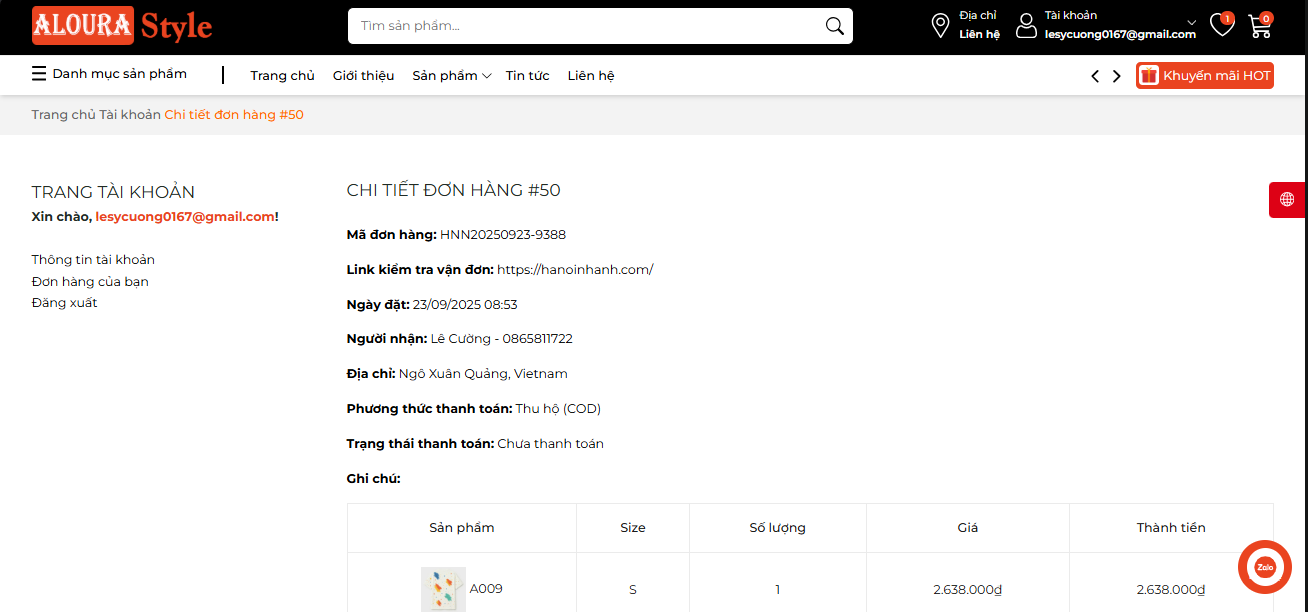
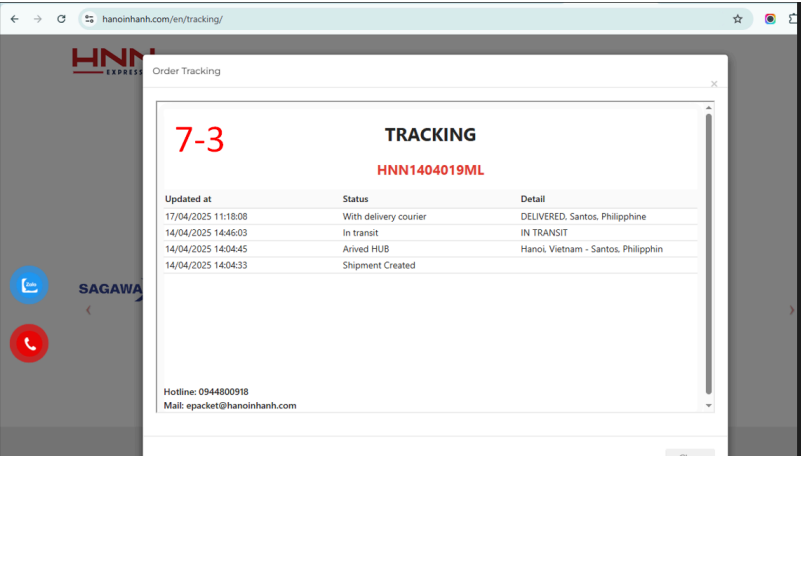
To track your shipment, visit:
https://hanoinhanh.com/en/tracking
and enter your Tracking Number.
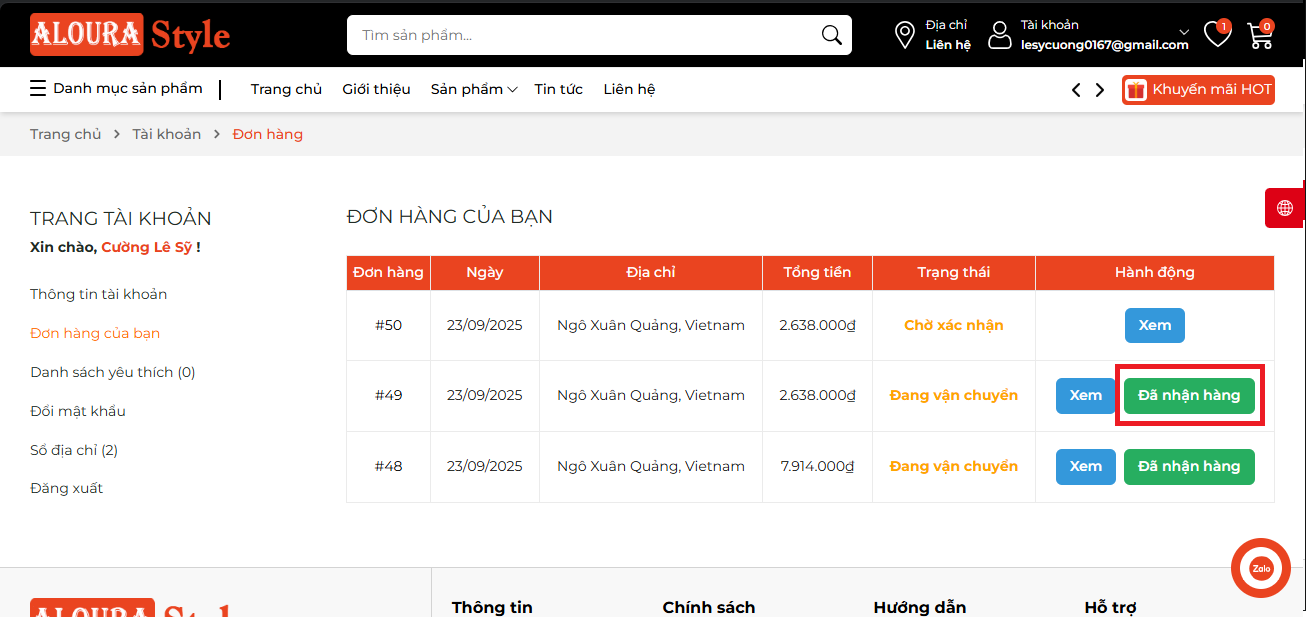
After receiving your order, please go to account management and confirm receipt.
Thank you for trusting and purchasing our products.
If you have any questions, please contact us via email:
alouracontact@gmail.com
 Chatbot
| Image | Product | Price | Quantity | Subtotal | Action |
|---|